
The Smart Gamer’s Guide to Installing VGF ProFlex® Skins Perfectly
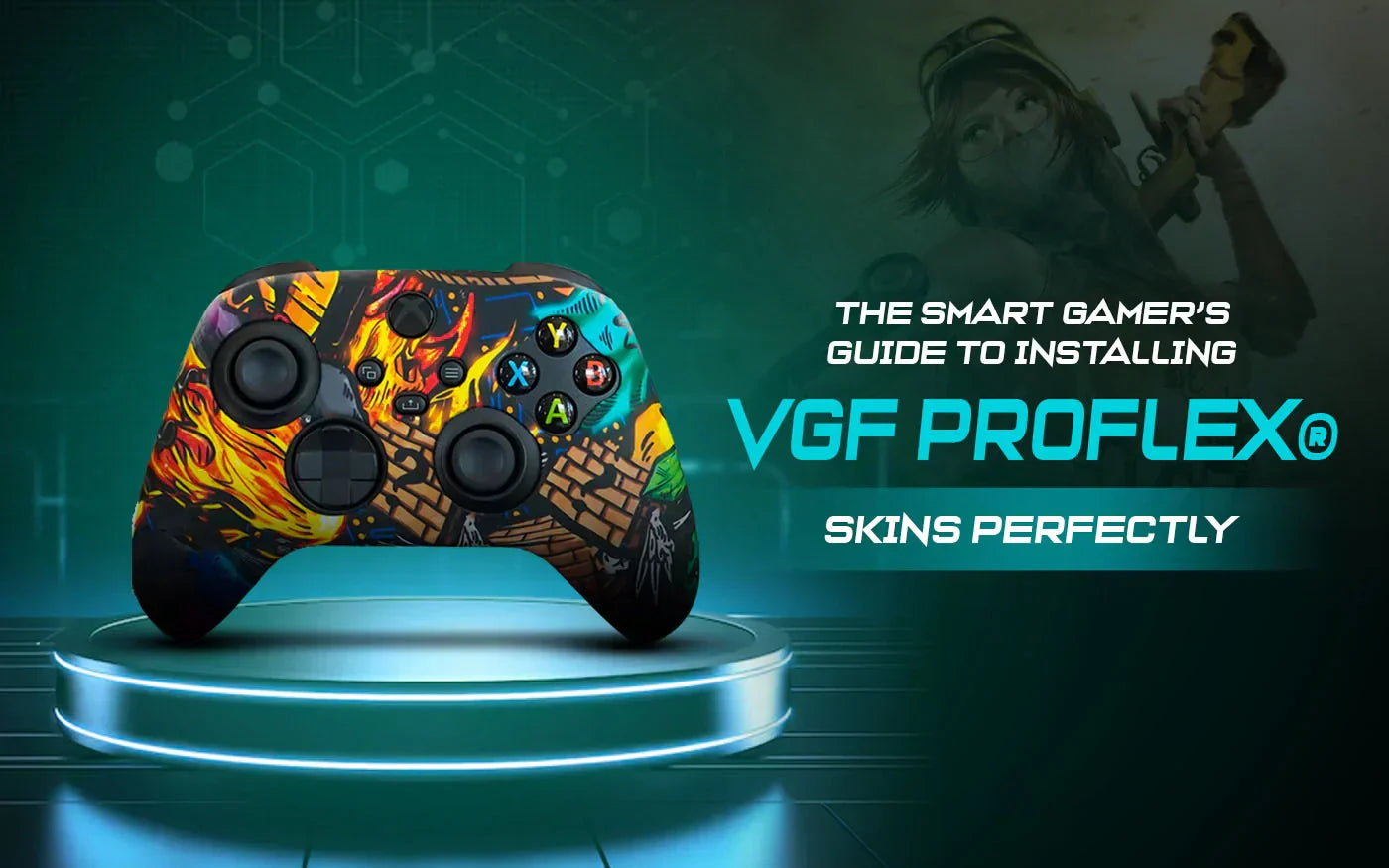

It starts innocently. You unwrap your shiny new ProFlex® skin, admire the carbon-fiber drip, and think, “How hard can this be?” Five minutes later, you’re sweating more than your controller, the skin is crooked, and your dignity is on life support. Relax. Applying a ProFlex® skin isn’t rocket science, though many gamers treat it like one.
Let’s draw a clean line between chaos and clean installs and walk through how to apply a VGF Gamers’ ProFlex® skin like a pro, without rage-quitting before the match even starts.
Step 1: Prep Your Controller (Yes, This Matters)
Before slapping on your new skin, clean your controller. Oils, dust, and last night’s pizza grease are not part of the aesthetic. A microfiber cloth and a bit of rubbing alcohol will do the trick. This step is especially important if you’re already rocking controller skins or mixing your setup with other controller accessories. Clean surfaces mean better grip and zero slipping mid-game.
Step 2: Understand What You’re Holding
Unlike cheap silicone covers that feel like rubber gloves from a crime scene, ProFlex® skins are hydrodipped in carbon fiber and designed to enhance gameplay. Wild concept, right? These aren’t just fancy controller attachments. They’re engineered to reduce sweat, improve grip, and keep your hands comfortable during marathon gaming sessions, so treat them with a little respect.
Step 3: Start Slow, Not Like a Maniac
Begin by aligning the top of the skin with the controller’s face buttons and triggers. Stretch gently as ProFlex® is flexible, not indestructible. Work your way down evenly instead of yanking one side like you’re starting a lawnmower. If you’ve ever installed console skins or even console stickers on PS4, you already know that patience separates pros from rage posters on Reddit.
Step 4: Adjust, Don’t Panic
Got a slight misalignment? Congrats, you’re human. ProFlex® skins are forgiving. Peel back gently and re-seat until everything lines up perfectly. This is where VGF Gamers quietly flexes. The fit is precise, the buttons remain fully functional, and nothing feels bulky or awkward. Silicone skins used to suck. These don’t.
Step 5: Lock It In and Test the Grip
Once applied, give the controller a light squeeze and test the grip. Feel that soft-touch, anti-sweat surface? That’s your hands thanking you. Whether you’re sweating through ranked matches or casual couch gaming, ProFlex® reduces fatigue and improves control, something most “cool-looking” skins can’t say with a straight face.
Step 6: Admire Your Work (You Earned It)
Your controller now looks elite, feels better, and performs as it should have from day one. Pair it with GameVinyl from VGF Gamers, and suddenly your setup looks less “budget streamer” and more “main character energy.”

Why Gamers Choose VGF Gamers (Without Overhyping It)?
VGF Gamers isn’t just another brand pushing flashy gear. Based in San Diego and trusted by gamers worldwide, they make products that actually improve gameplay, wildly refreshing in this industry. Plus, 100% satisfaction or your money back. No drama.
Let’s unlock 10% off your first order. We’ll handle the savings and you enjoy the grip. Enjoy our Black Friday sales and save up to 60%, plus get free US shipping on orders of $40+.
FAQs
Q1: Will ProFlex® skins affect button responsiveness?
No. Buttons, triggers, and sticks remain fully functional with zero input lag.
Q2: Are ProFlex® skins good for sweaty hands?
Absolutely. The anti-sweat, soft-touch surface improves grip and reduces hand fatigue.
Q3: Can I remove and reapply the skin?
Yes. ProFlex® skins are flexible and can be carefully removed and reapplied without damage.
Leave a comment
Comments will be approved before showing up.